Know who to call next.
Keep the next follow-up date and owner with each enquiry. Make the next action easy to find.
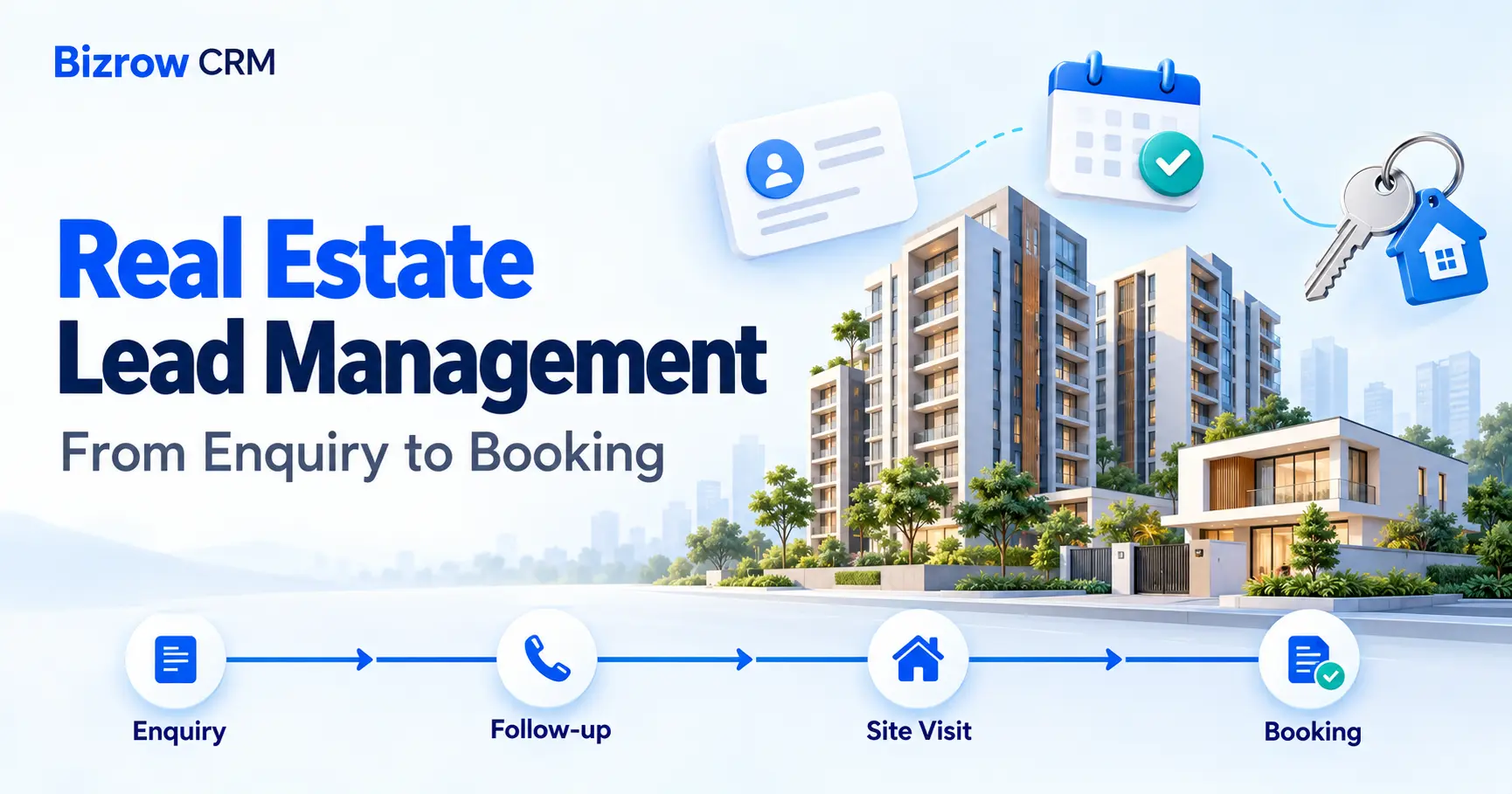
Bring buyer enquiries, follow-ups, site visits and property records into one workspace. Keep your team connected, from the first conversation to the next booking.

See the actual workflow across Property Leads, Site Visits and Properties. Follow one buyer and one plot through the existing record views.
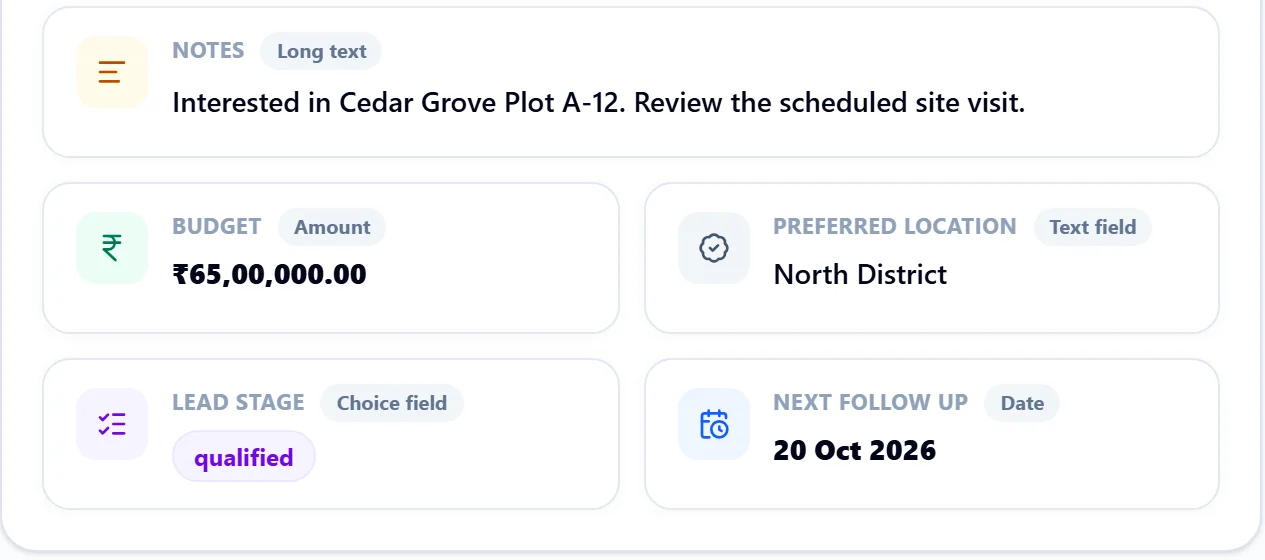
Check Alex's budget, preferred location, lead stage and next follow-up date.
See the scheduled date and the enquiry and property connected to the visit.
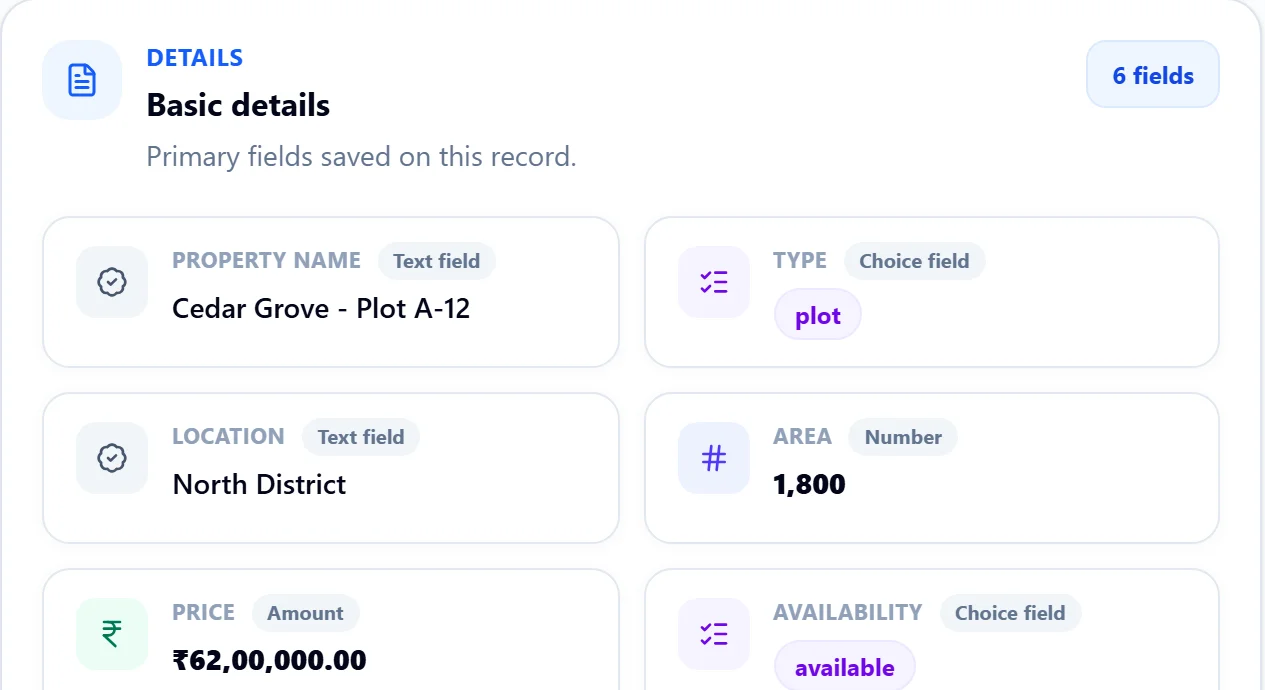
Review Plot A-12's price and availability separately from the enquiry stage.

Alex Morgan's enquiry has a follow-up on 20 October 2026. A scheduled visit on 21 October links that enquiry to Cedar Grove, Plot A-12. The property remains Available; a site visit does not reserve or sell it.
These are captures of Bizrow's existing record drawer using fictional, read-only fixtures. A live database transaction, sent reminder and booking are not demonstrated.
Read the full written transcriptFrom the first enquiry to a recorded booking, give your real estate team the context to move every conversation forward.
Keep the next follow-up date and owner with each enquiry. Make the next action easy to find.
Connect buyer requirements, property records and site visits. Pick up a conversation with its context close by.
Check a property’s saved price and availability. Explore published plot layouts to make the choices easier to understand.
Save the buyer’s budget, location and requirements.
Record your next follow-up and who owns it.
Link the buyer and property to a site visit.
Bring the buyer, property and deal details together.
Illustrative sample records above. Your team maintains booking records, property availability and layout colours separately.
Keep buyer requirements, budget, preferred location and the next follow-up date on the enquiry. Spend less time searching and more time moving the conversation forward.

Organise location, area, price and availability in property records. Use interactive 2D plot layouts to explore a development and open a saved plot's linked property details.
Property availability and layout colours are maintained separately. Bookings do not automatically update them.

Use your configured booking, document and payment milestone modules to organise the records that come after a site visit. Keep the buyer and property context close at hand.
The details of the deal, together.
Workflow illustration · Modules configured for your process
See where each conversation stands. Organise your stages around the way your team sells, from a new enquiry to a booking.
Drag a buyer to another stage, or choose a stage from their dropdown.
Interactive example3 BHK · Hyderabad
₹80–95 lakhVilla · Bengaluru
₹1.2–1.5 crorePlot · Green Valley
₹40–50 lakh2 BHK · Pune
₹60–70 lakhConfigure module access for the people on your team.
Review your business using analytics for configured fields.
Organise documentation in your configured CRM modules.
Set up WhatsApp and email workflows around your process.
Explore guides and articles for your industry.
Have a different question?
Talk to our team
Book a demo using the form below. We can walk through your enquiry process, property records and site visits, then discuss the modules and fields your team needs.
Yes. Configure modules, fields and stage options around your sales process. Keep separate layout modules for different projects or phases, and link plots to existing property records.
Yes. An admin can enable a public link for a published layout. Visitors can search plots, zoom and inspect dimensions. Drafts and private reference images are not included in the public layout.
Booking records and property availability are maintained separately. Layout colours are also admin-maintained. Select a saved linked plot to inspect the current property availability and price; a booking does not automatically reserve or recolour the plot.
Workspace admins edit and publish layouts. Team members can view permitted published layouts and work with records according to configured module permissions.
Visit the pricing page to compare current plans, or tell us about your team in the demo form so we can discuss a suitable setup. Explore pricing →

Bring your property leads, site visits and bookings into one workspace. Tell us about your business and we'll help you find the right setup.